![Logo-2.png]](https://support.medimap.ca/hs-fs/hubfs/Logo-2.png?height=40&name=Logo-2.png)
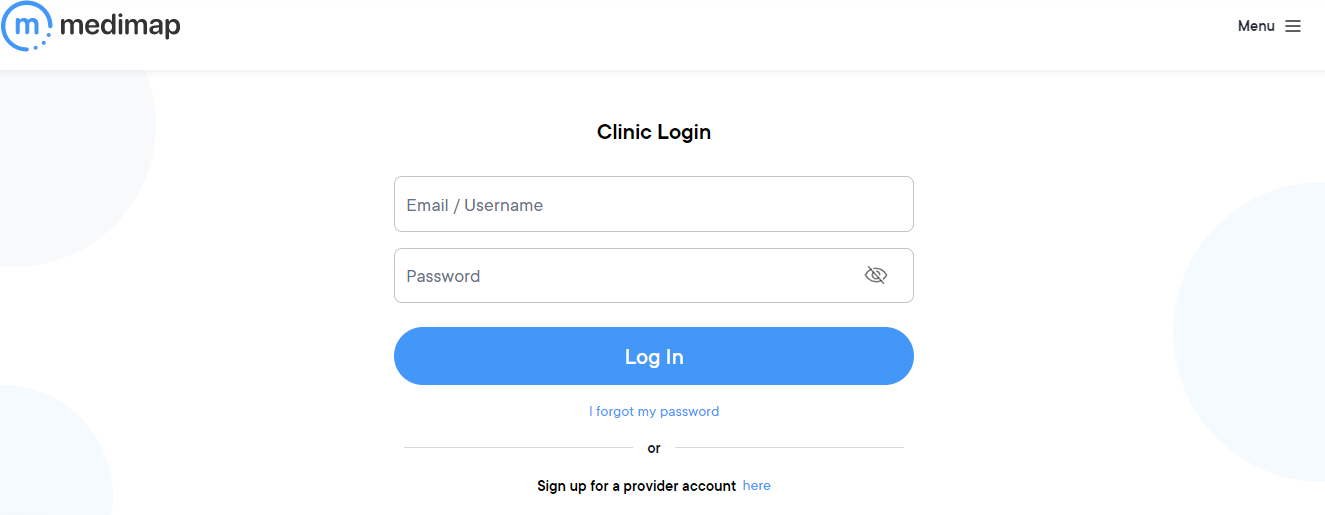
- Log into your clinic portal at https://medimap.ca/Clinic-Login.
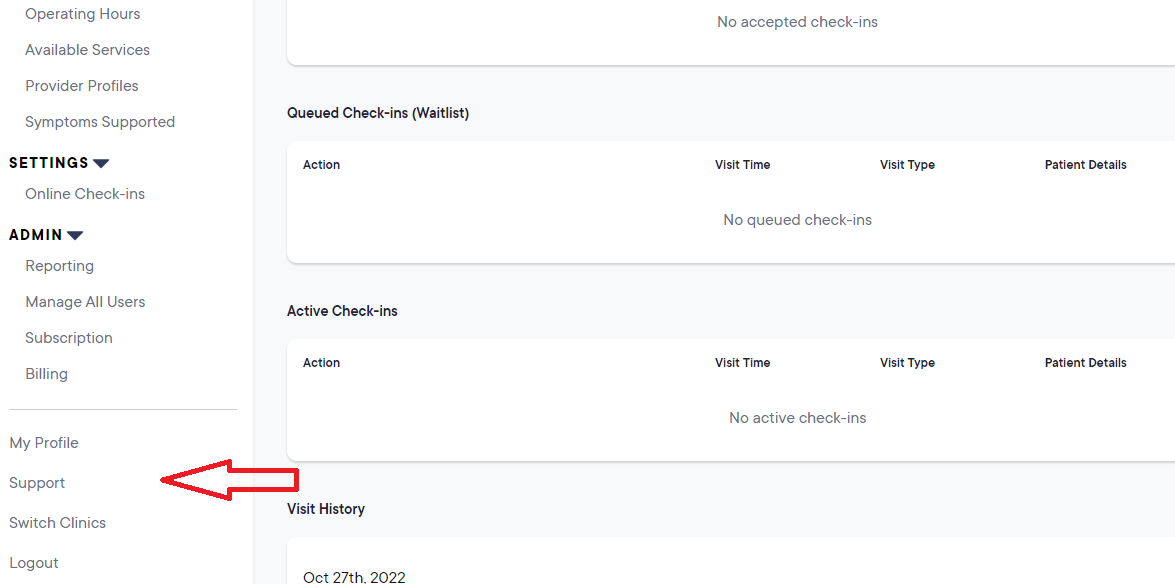
2. Click Support in the left side menu.
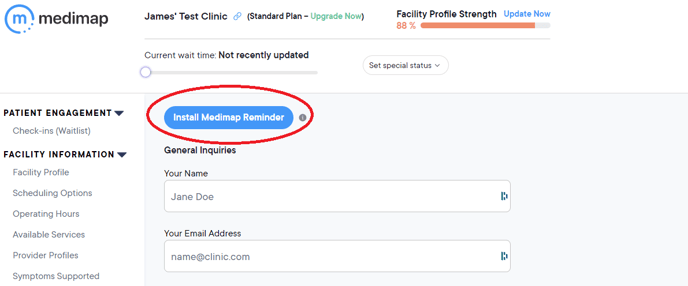
3. Click the blue "Install Medimap Reminder" button located at the top of the Support page.
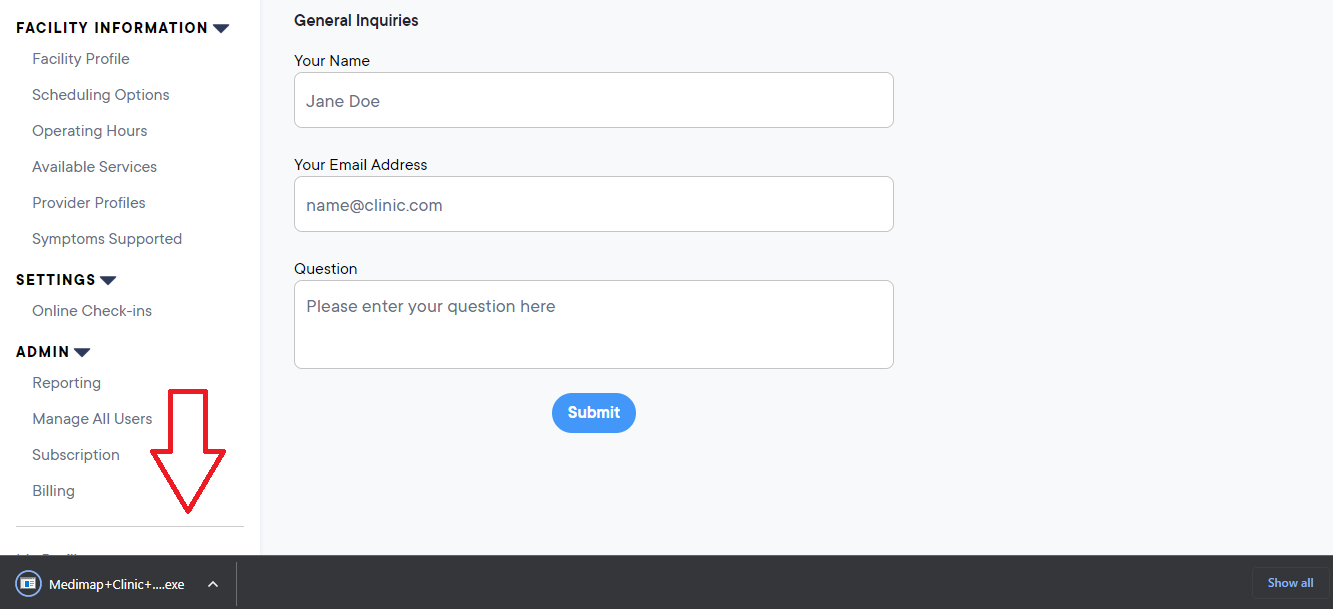
4. Once downloaded, run the file.
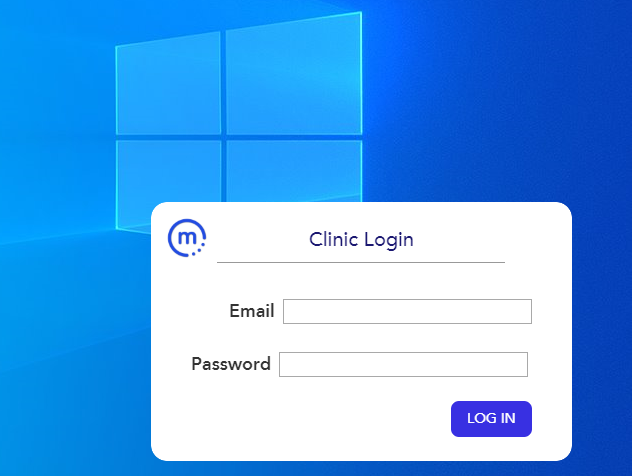
5. Once installed, a login window will appear in the lower right hand corner of your screen, log in using your email as the username.
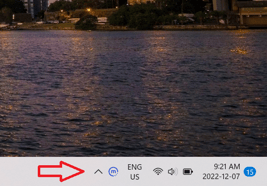
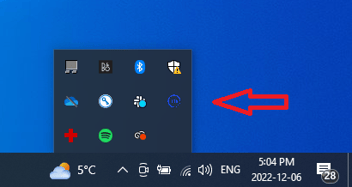
You will see a little blue m icon (like this:  ) in your taskbar or amongst other icons (lower right hand corner, near the date and time). This will continuously run in the background and pop-up every 30 minutes during your clinic's operating hours to prompt you to update the wait time.