![Logo-2.png]](https://support.medimap.ca/hs-fs/hubfs/Logo-2.png?height=40&name=Logo-2.png)
Before you start, make sure your Clinic Type is set to either Family Practice OR Walk-in and Family Practice. You can edit this in the Facility Profile section of your clinic portal.
Updating through the clinic portal:
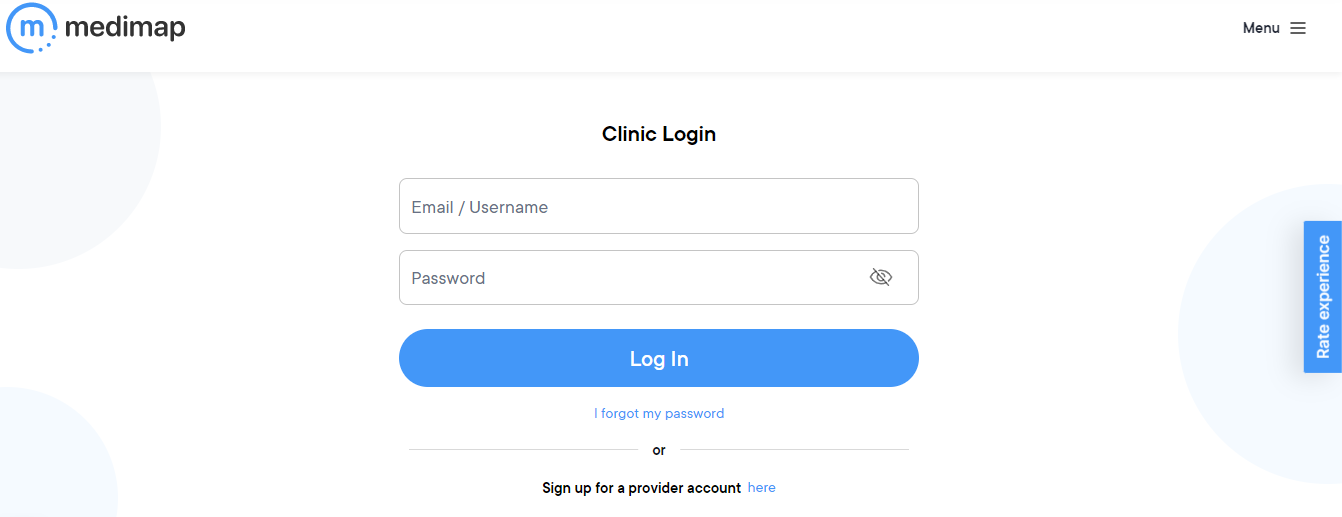
1. Log into your clinic portal at https://medimap.ca/Clinic-Login (If you don't know your login credentials, please send us an email at support@medimap.ca and we will be happy to assist you).
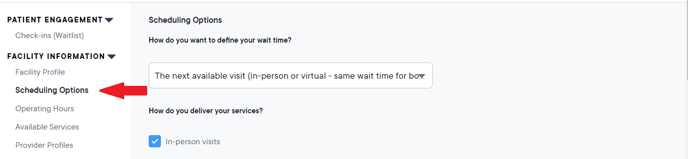
2. Go to Scheduling Options on the left-hand side menu.
3. Scroll down to How many doctors are accepting new patients into their family practice?
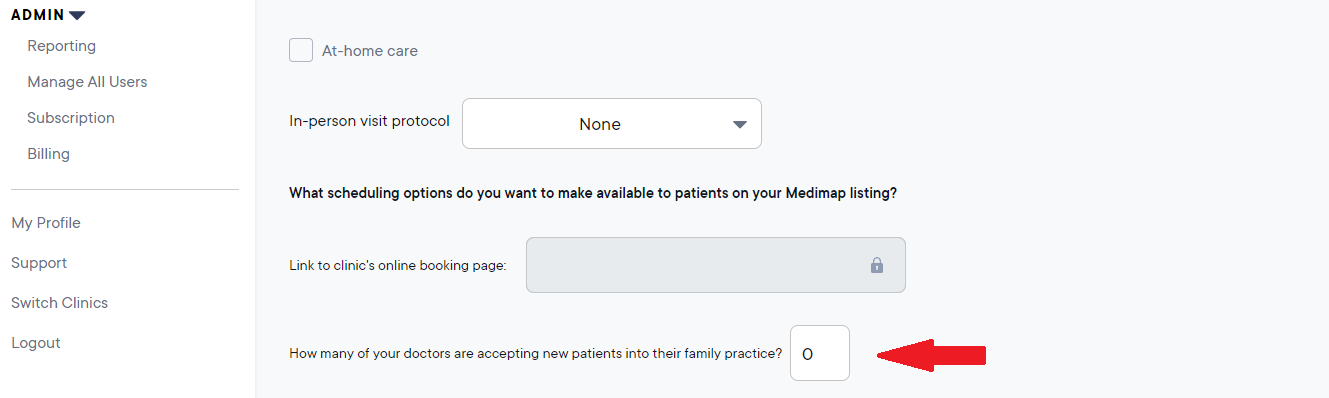
4. Enter the number of doctors you have at your clinic accepting new patients into their family practice into that field.
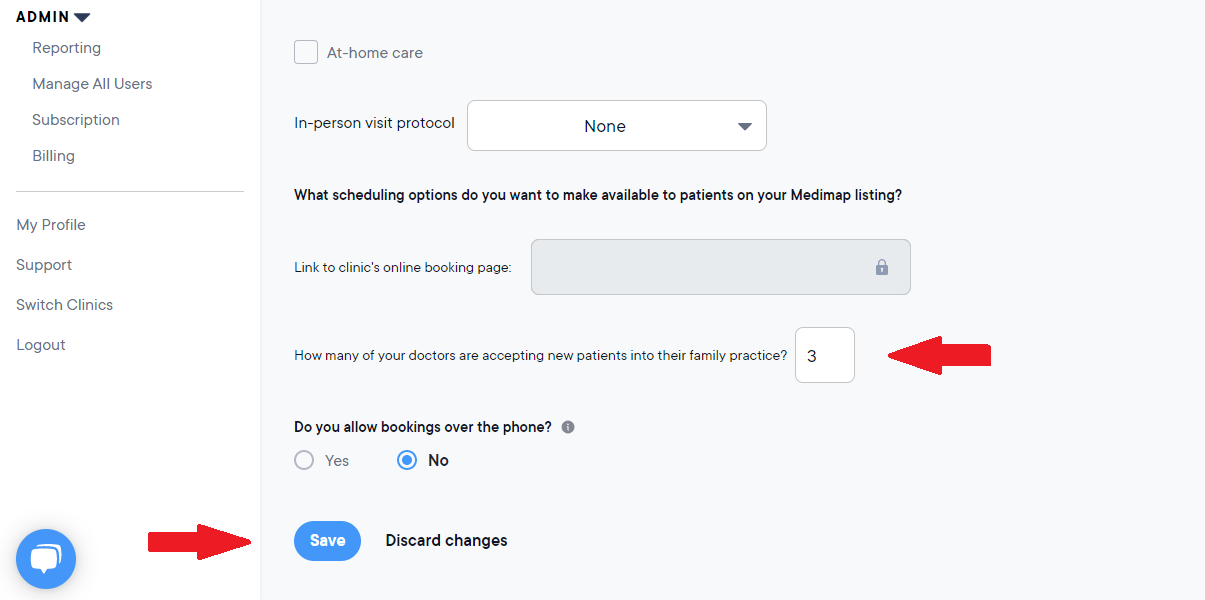
5. Then click Save at the bottom of the page to save your changes.
Updating through the reminder app:
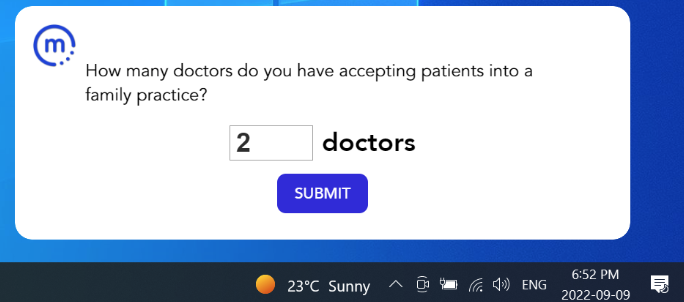
1. Ensure that you have our upgraded reminder app installed (the upgraded app has a blue m icon , the older app has a red cross icon).
2. Every Monday when your clinic opens (or first business day of the week according to your operating hours), the reminder app will pop-up and prompt you to update the number of doctors you have at your clinic accepting patients into their family practice.
3. Enter the number of doctors you have at your clinic accepting new patients into their family practice.
4. Click Submit.