![Logo-2.png]](https://support.medimap.ca/hs-fs/hubfs/Logo-2.png?height=40&name=Logo-2.png)
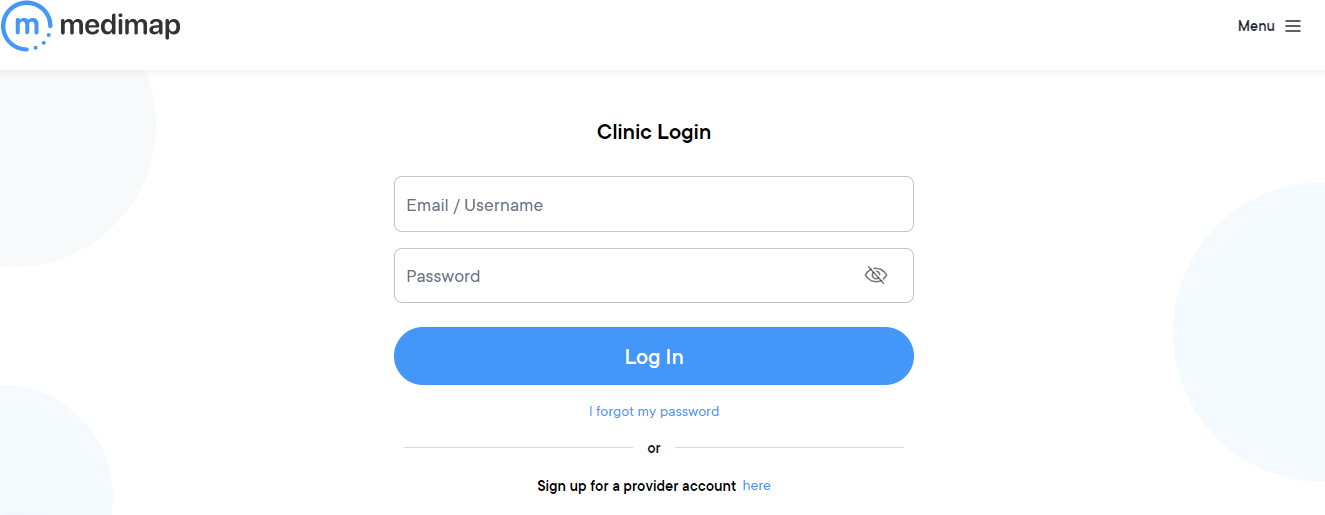
1. Log in to your Medimap account https://medimap.ca/Clinic-Login.
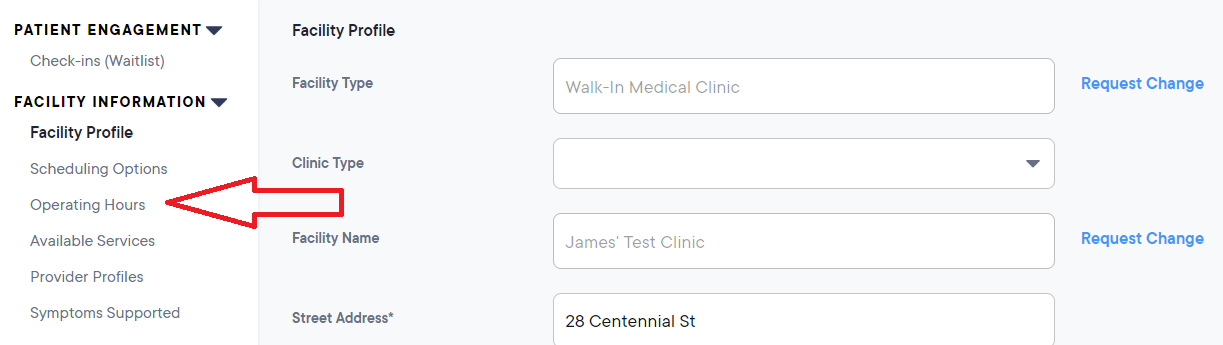
2. On the left-hand side of the screen, click on Operating Hours.
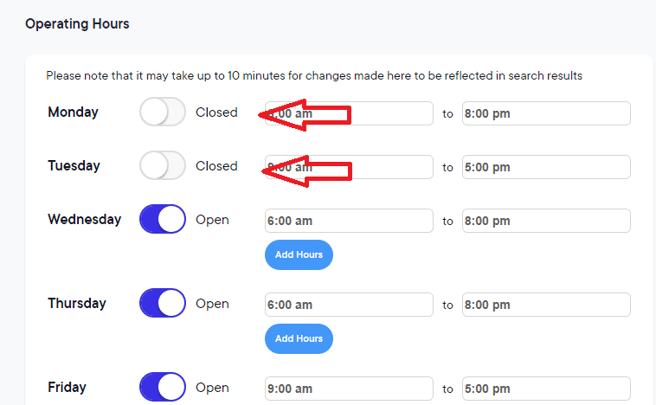
3. Click the toggle next to the day determine if your clinic is open or closed on that day.
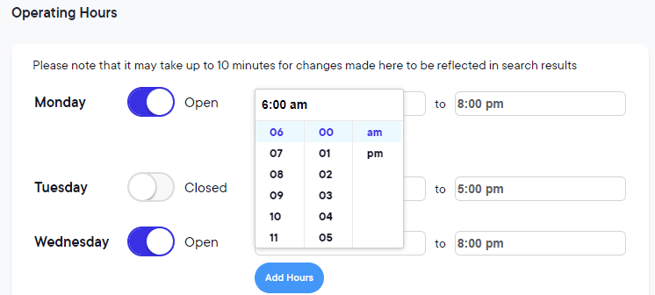
4. To edit the operating hours for a day, make sure the toggle is set to "Open". Then click on the time and a small box with a scroller and numbers will pop up. Select the appropriate opening and closing times.
5. Click the blue “Update Hours” button below to save your changes.
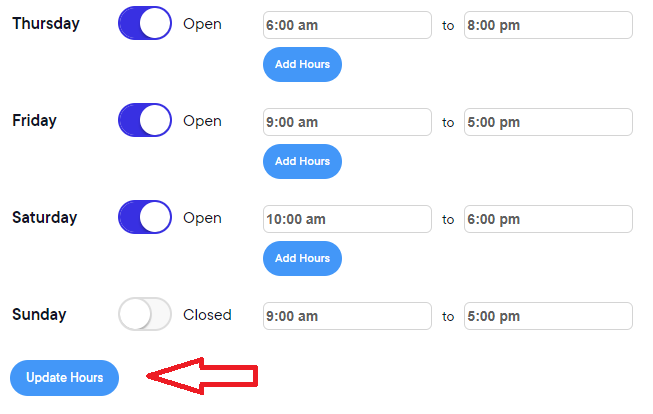
NOTE: Please make sure you update AM or PM when updating hours.